Sign in to your workspace
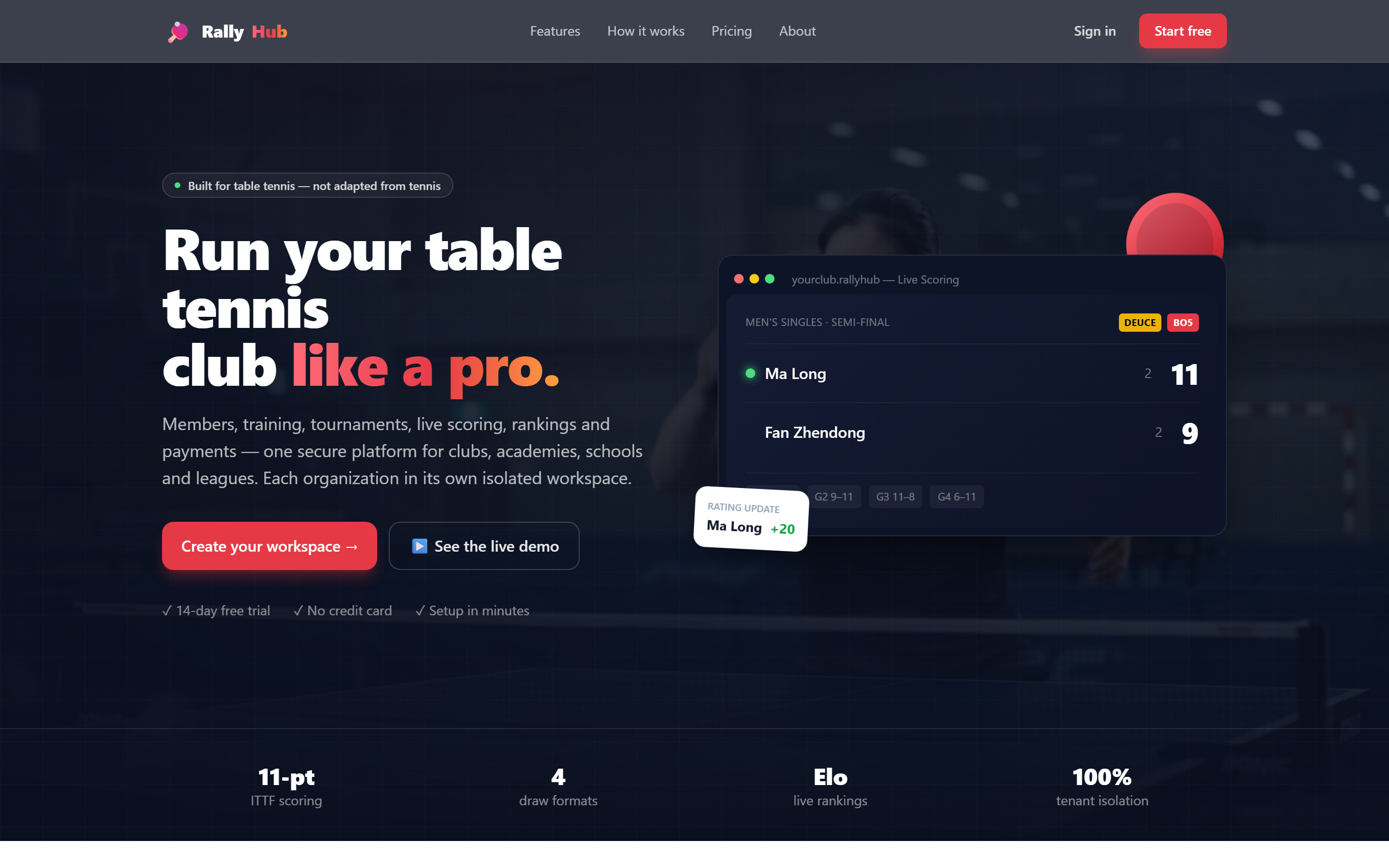
1. The homepage
Anyone visiting your portal sees this. New clubs click “Start free”; existing members click “Sign in”.
2. Open your club link
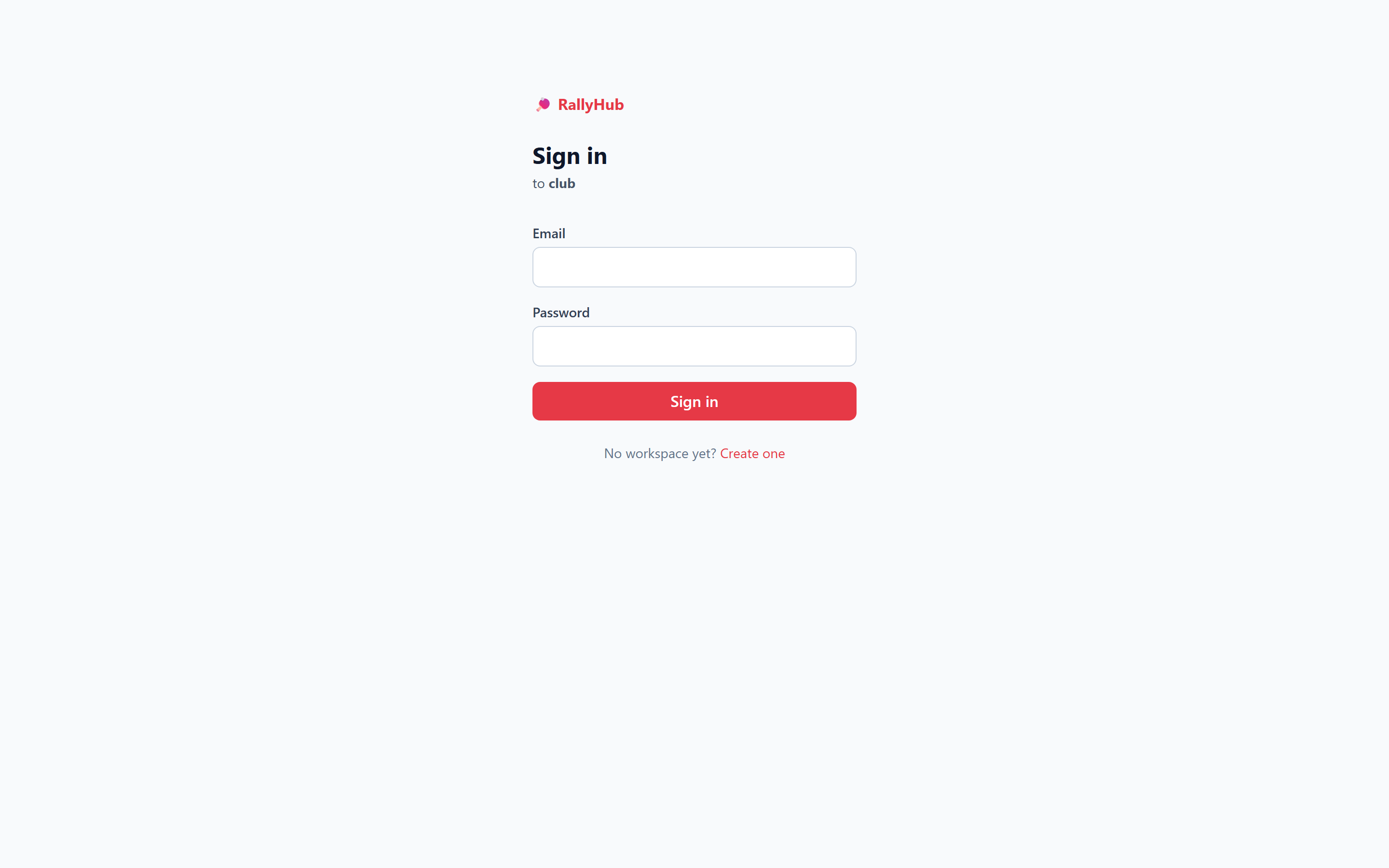
Go to tt.sportzadda.com/your-club — the login page greets you by workspace name.
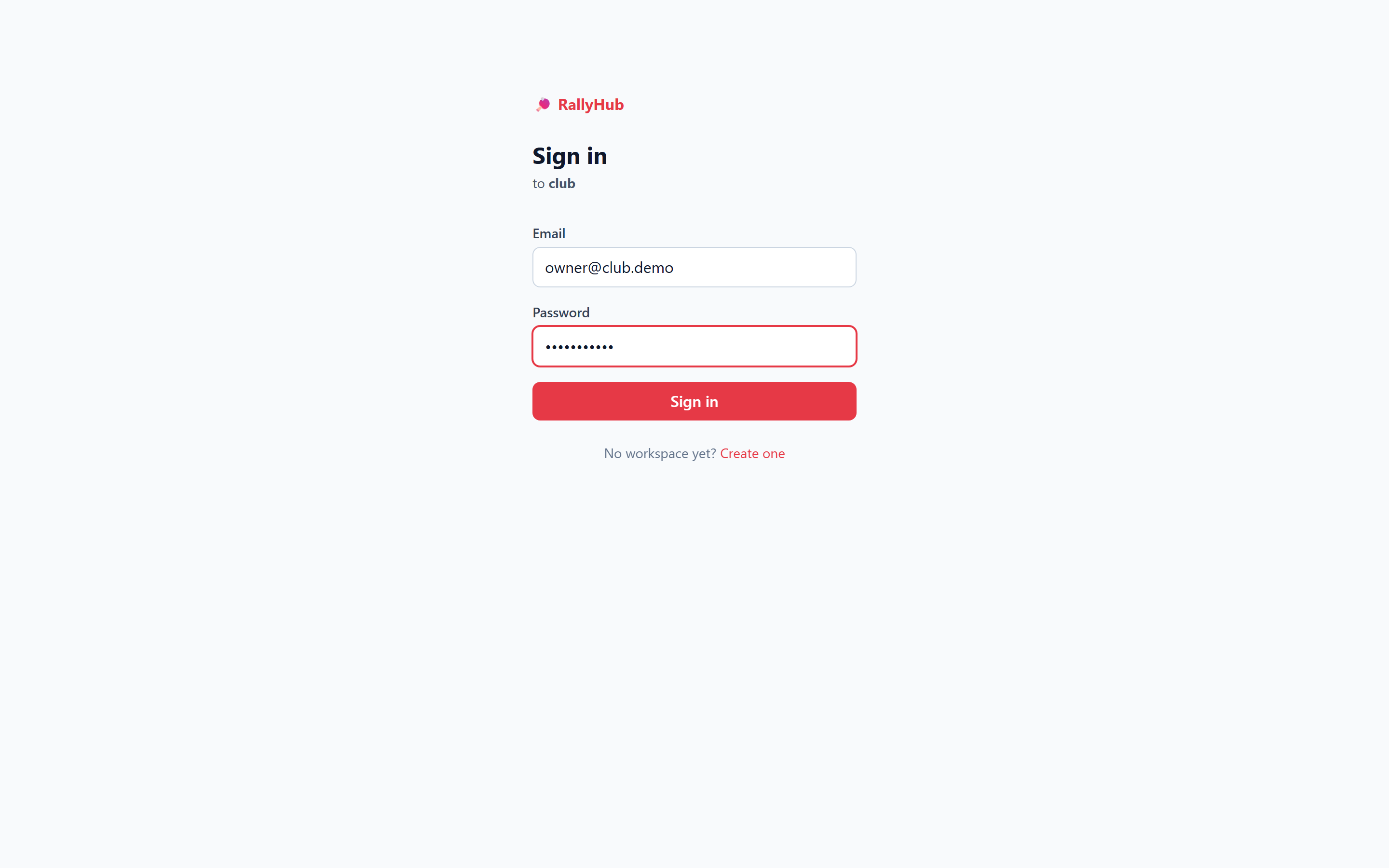
3. Enter email & password
Use the credentials from signup or your invitation, then press Sign in.
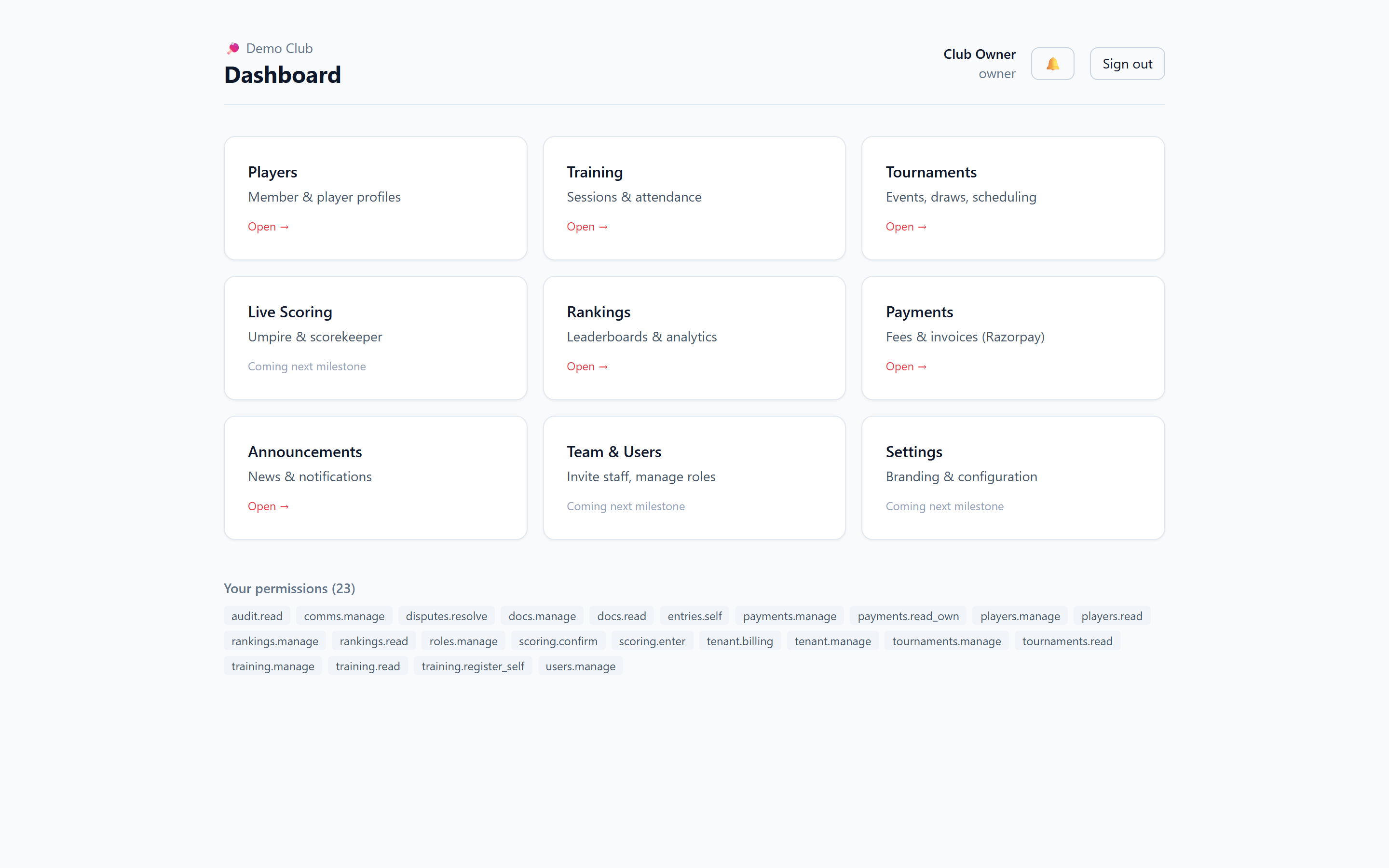
4. Your dashboard
Every module you’re allowed to use appears as a card. The 🔔 bell (top-right) carries your notifications.
Build your player directory
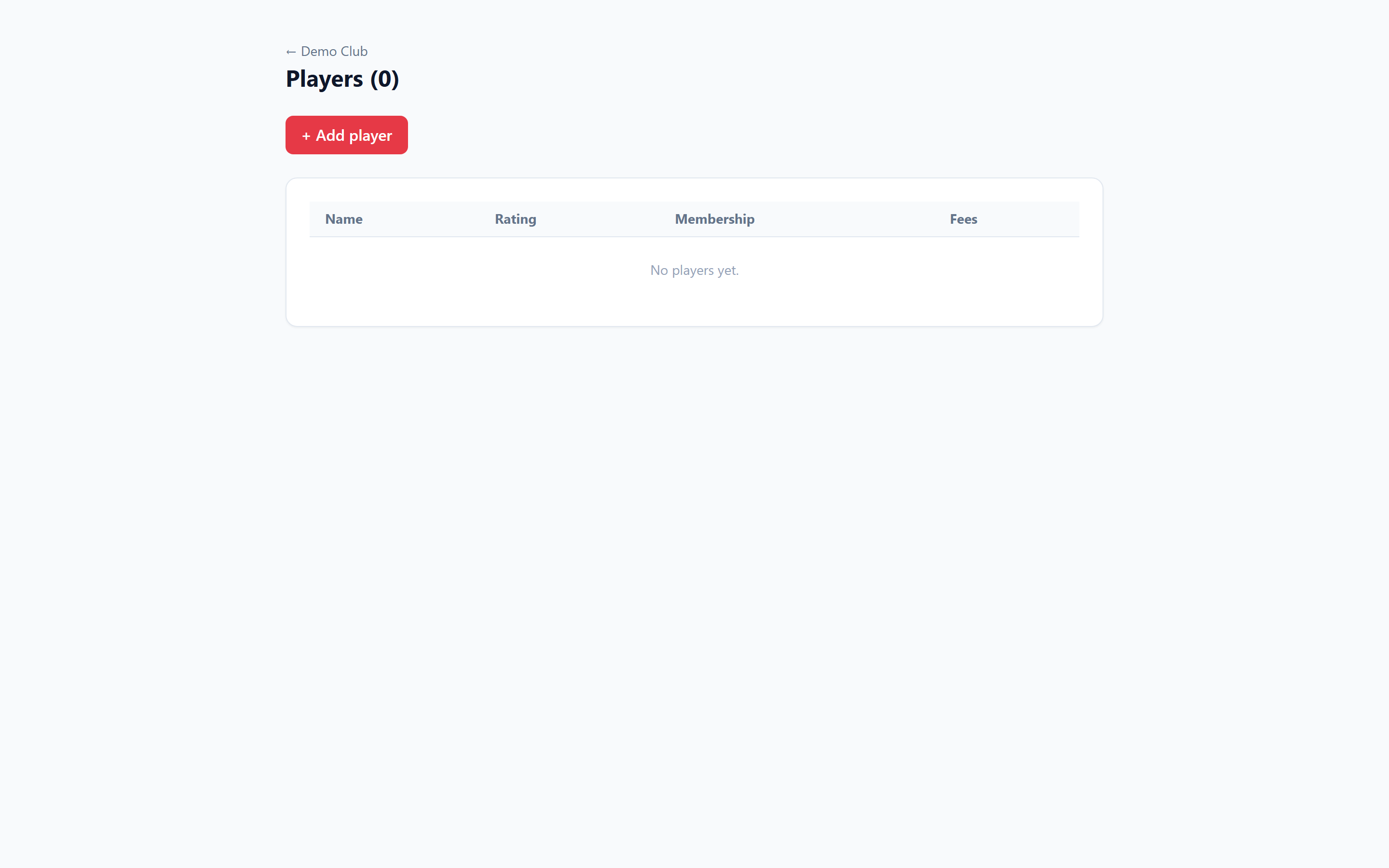
5. Open Players
A fresh club starts with an empty roster. Click “+ Add player” to begin.
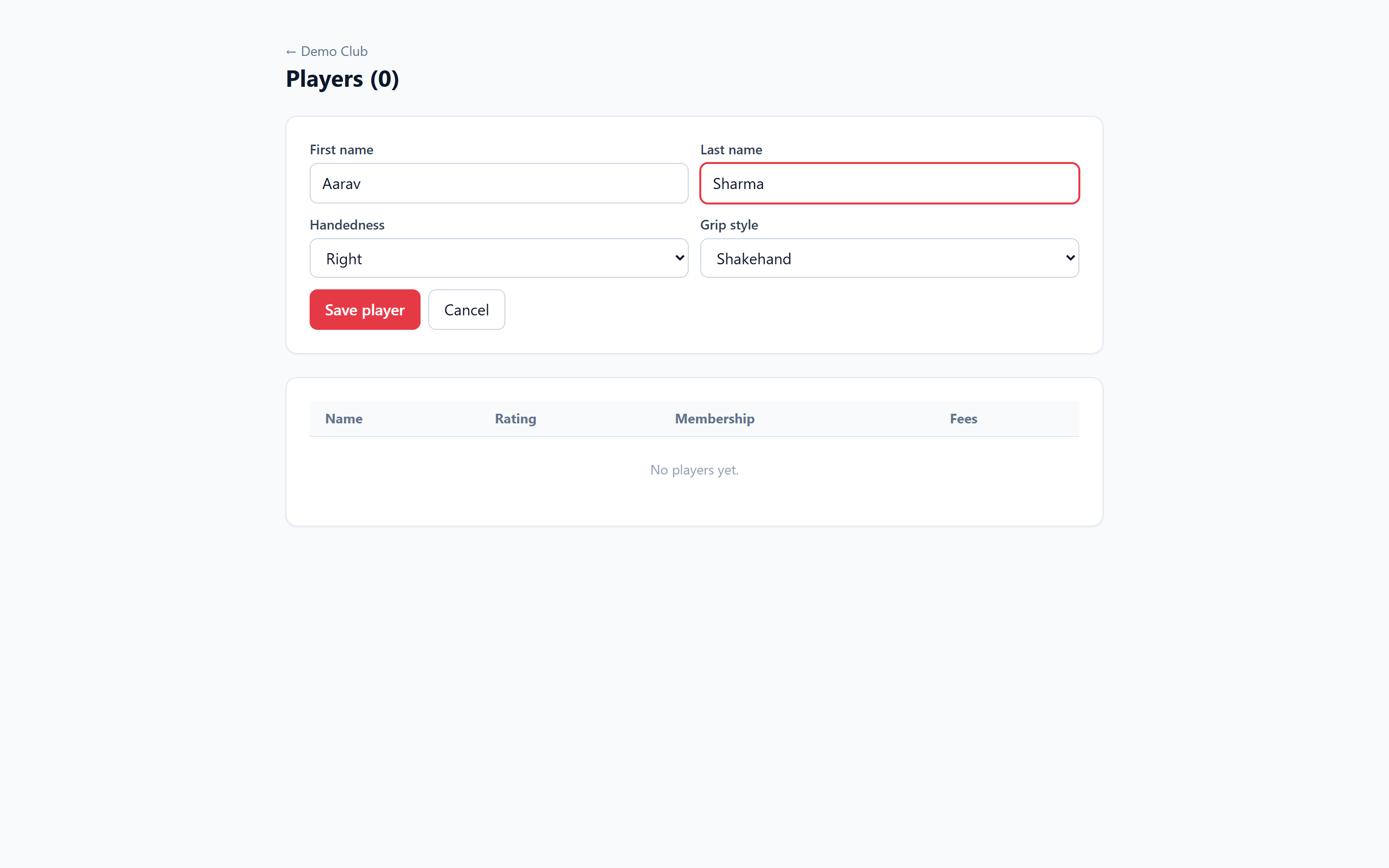
6. Add a player
Enter name, handedness and grip style (shakehand/penhold). New players start at rating 1000 (provisional).
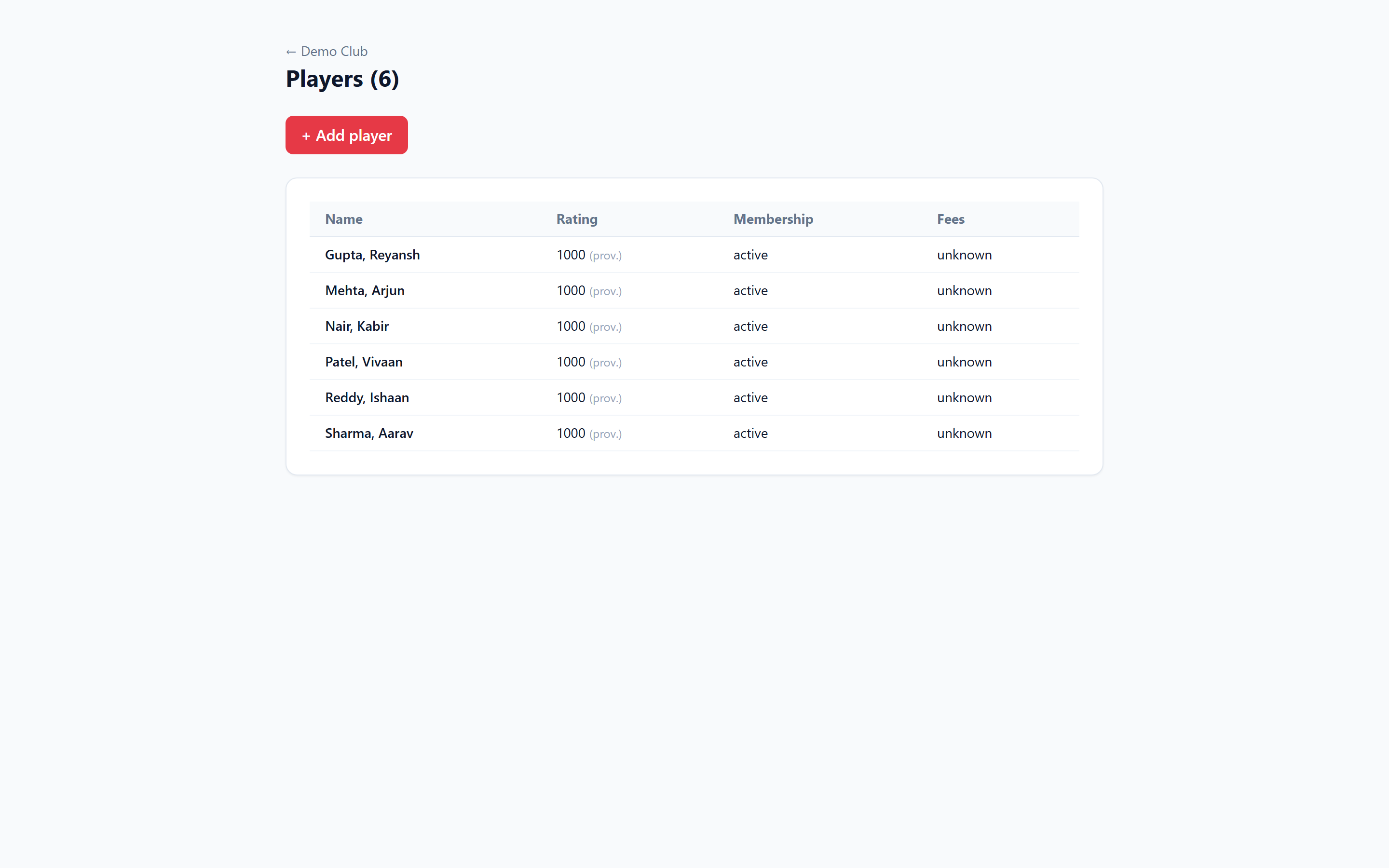
7. Your member directory
Every member with rating, membership and fee status. Search to find anyone instantly.
Run a tournament end to end
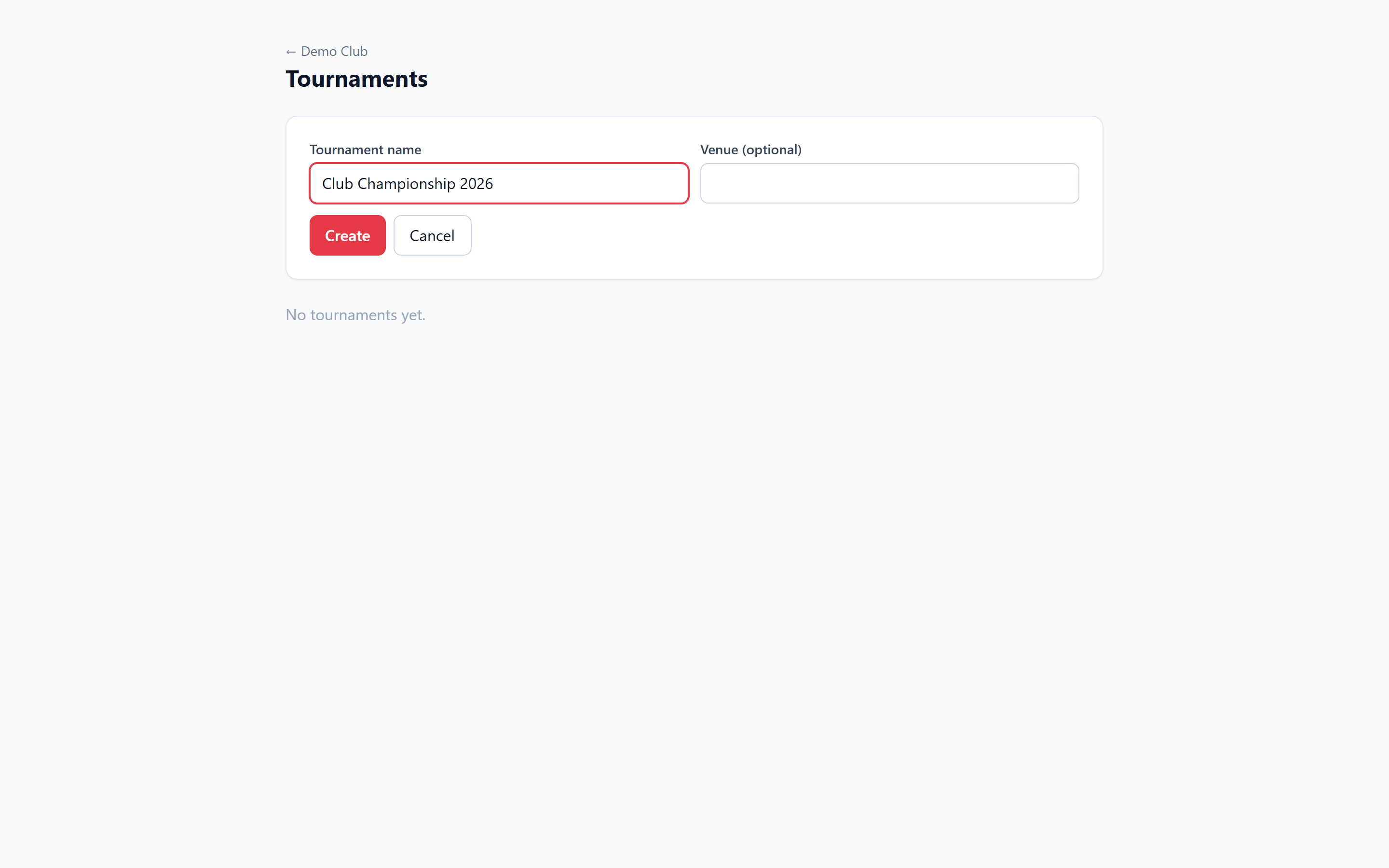
8. Create a tournament
Click “+ New tournament”, give it a name (and venue), and create it.
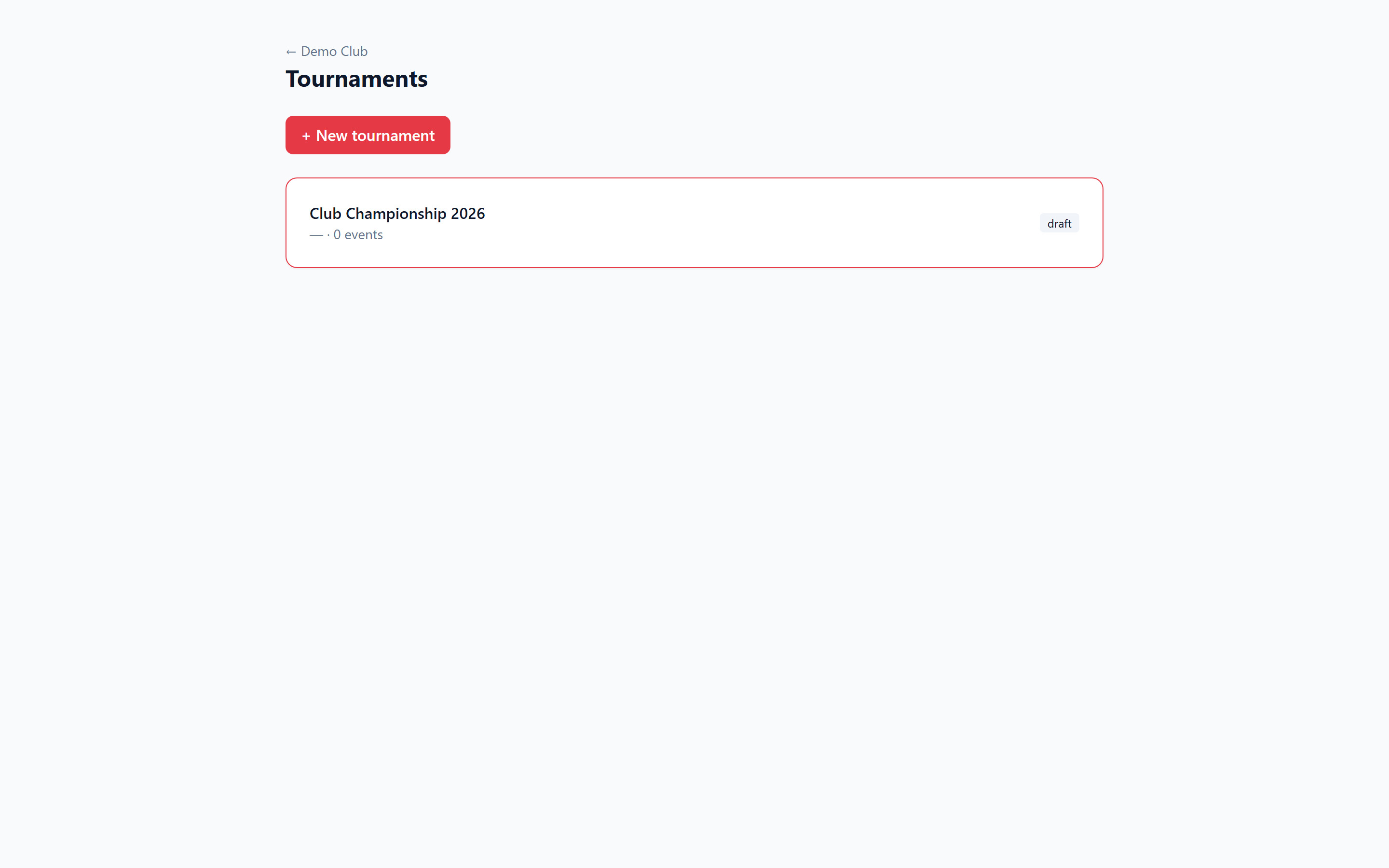
9. Your tournaments
All events in one place with their status.
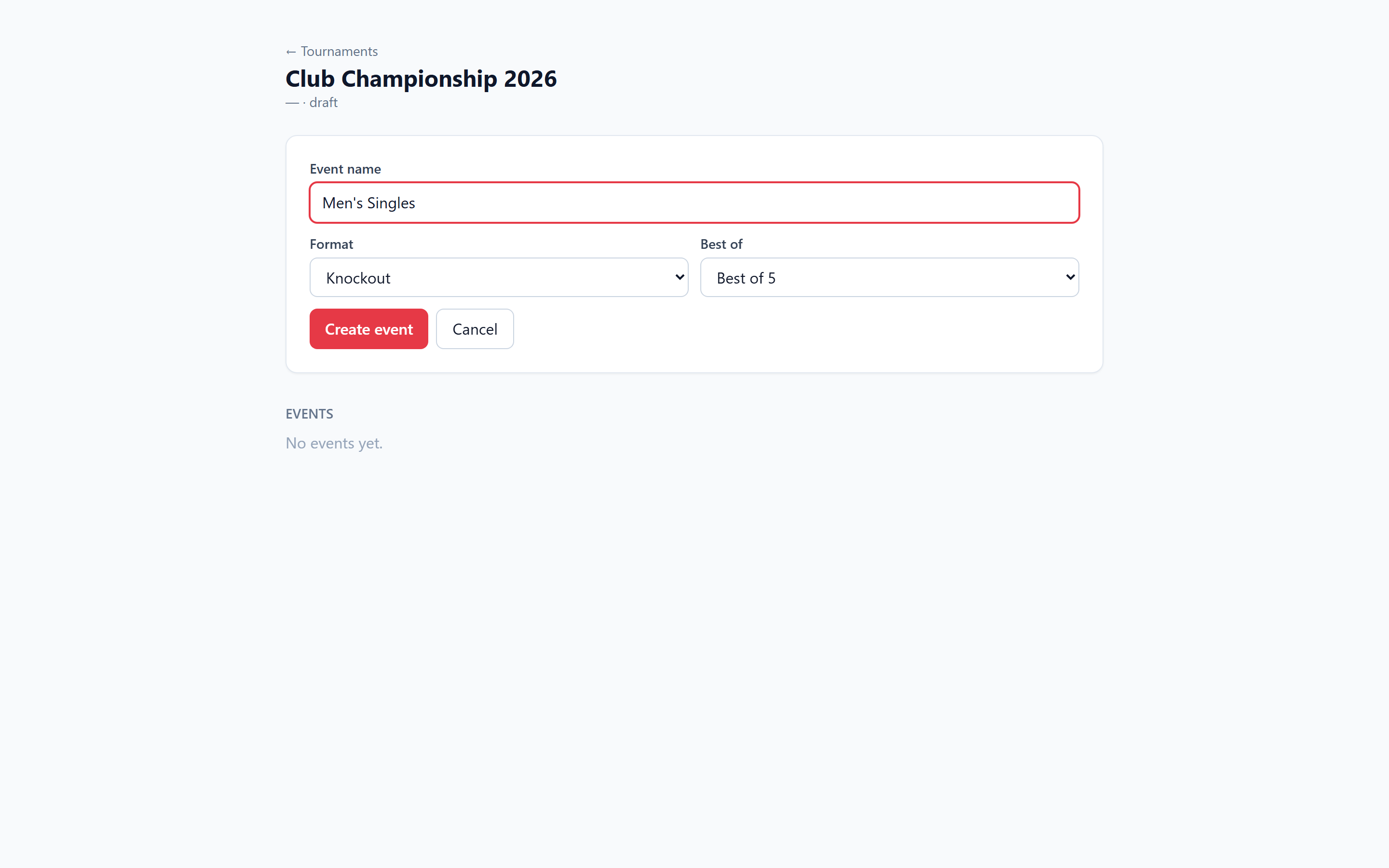
10. Add an event
Pick a format — Knockout, Round-robin or Group→Knockout — and best-of (3/5/7, games to 11).
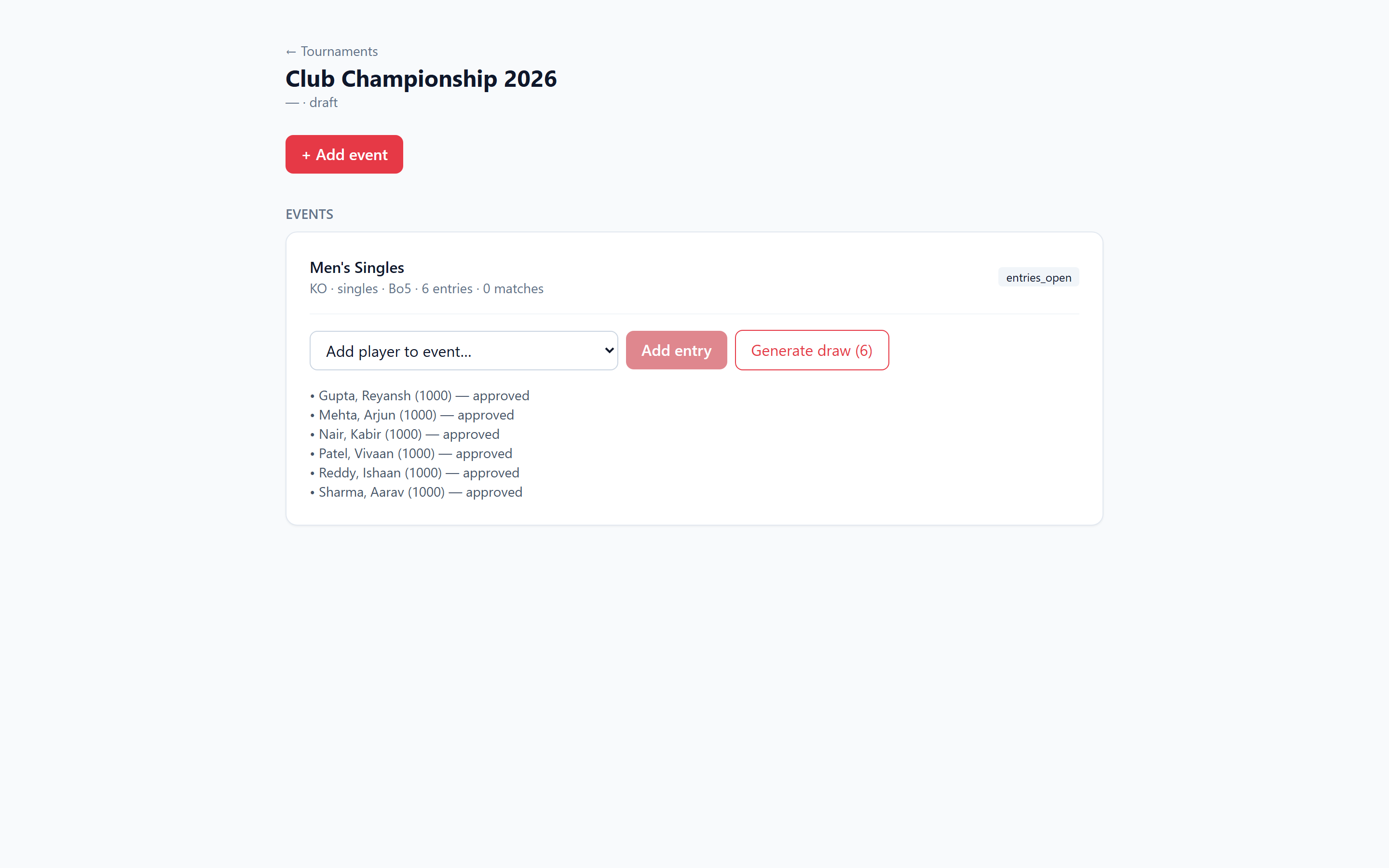
11. Add the players
Select members and add them as entries. Managers approve automatically.
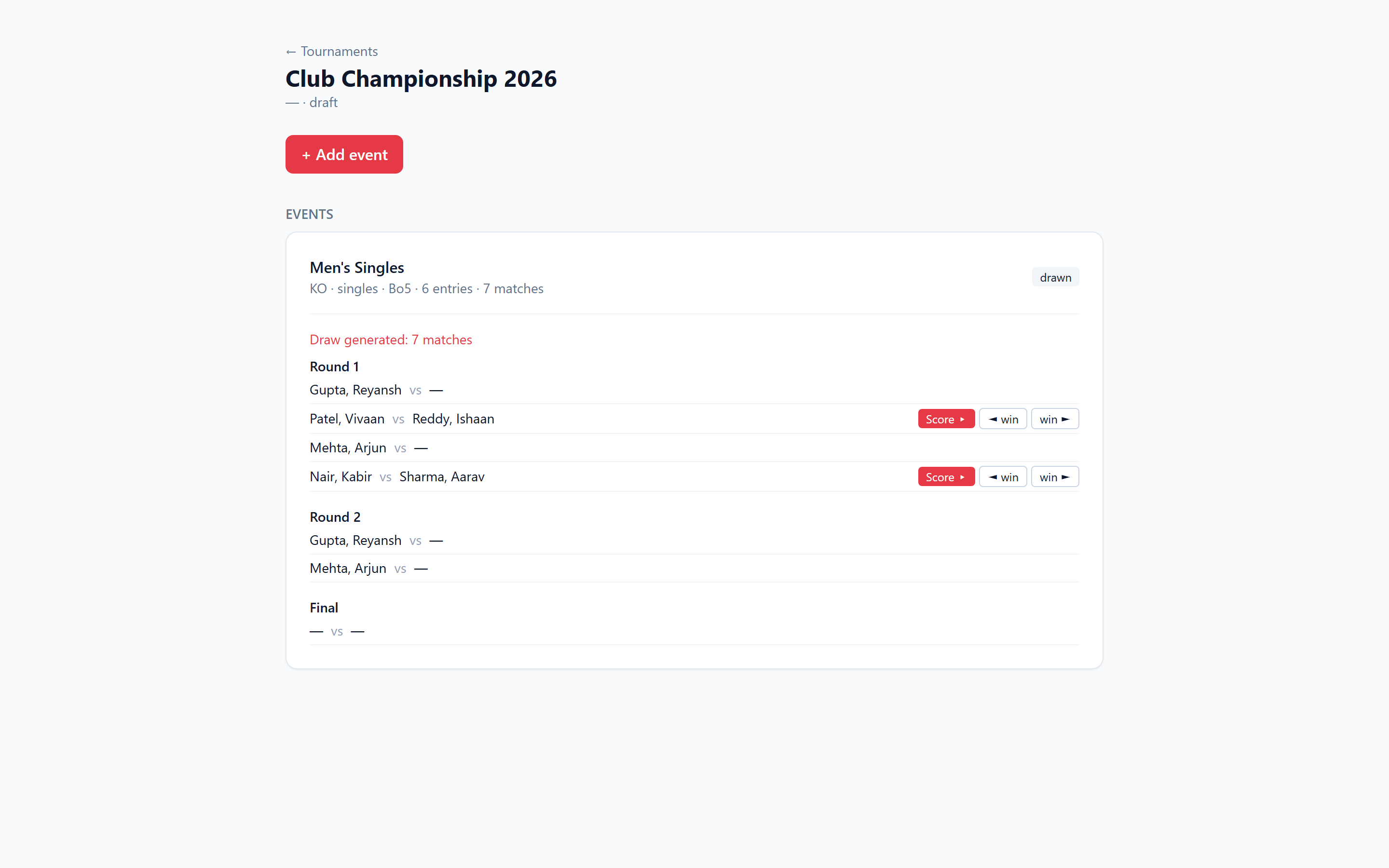
12. Generate the draw
One click seeds by rating, gives byes to top seeds, and builds the full bracket — winners advance automatically.
Score matches point by point
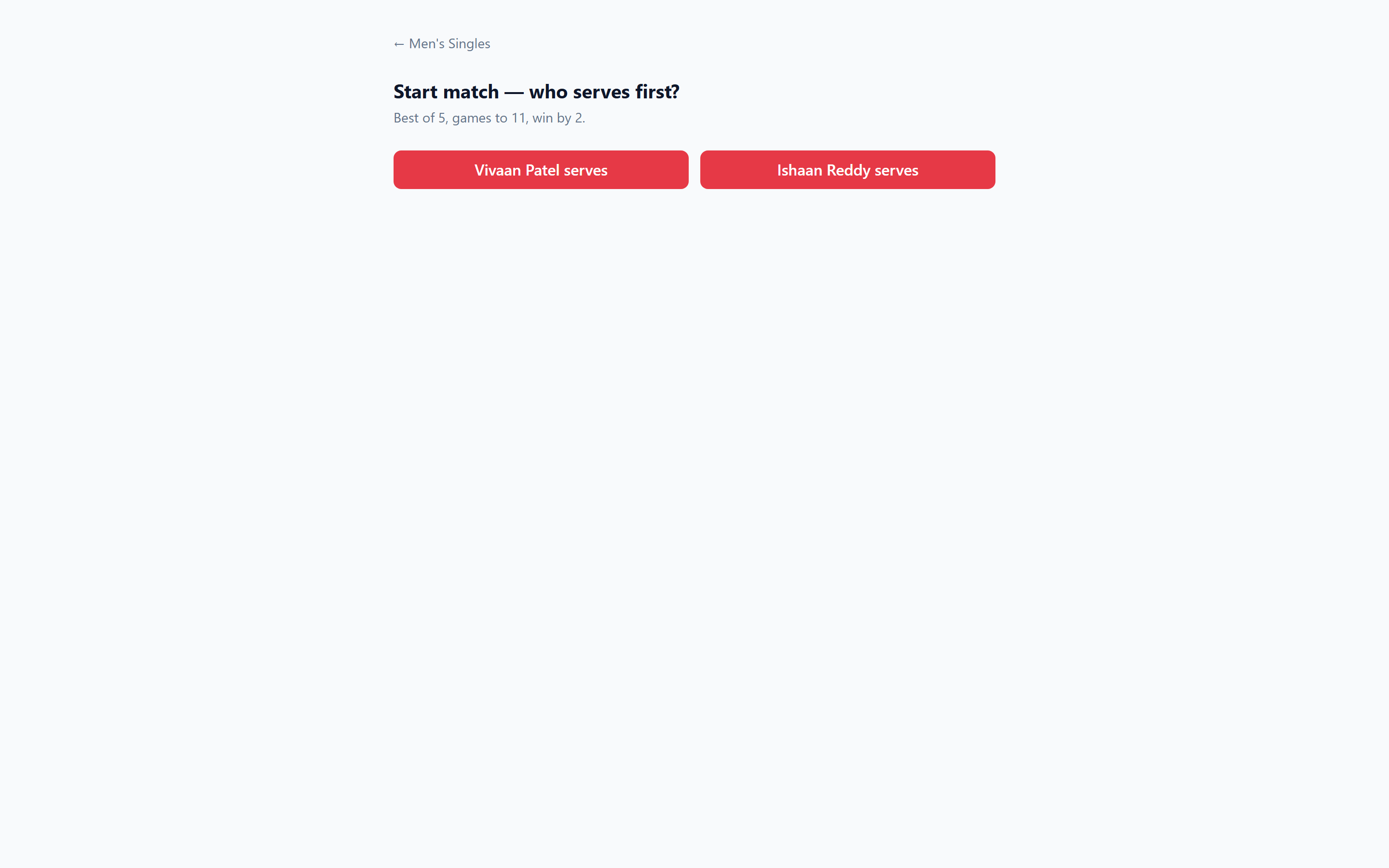
13. Start the match
Tap “Score” on any match, then choose who serves first.
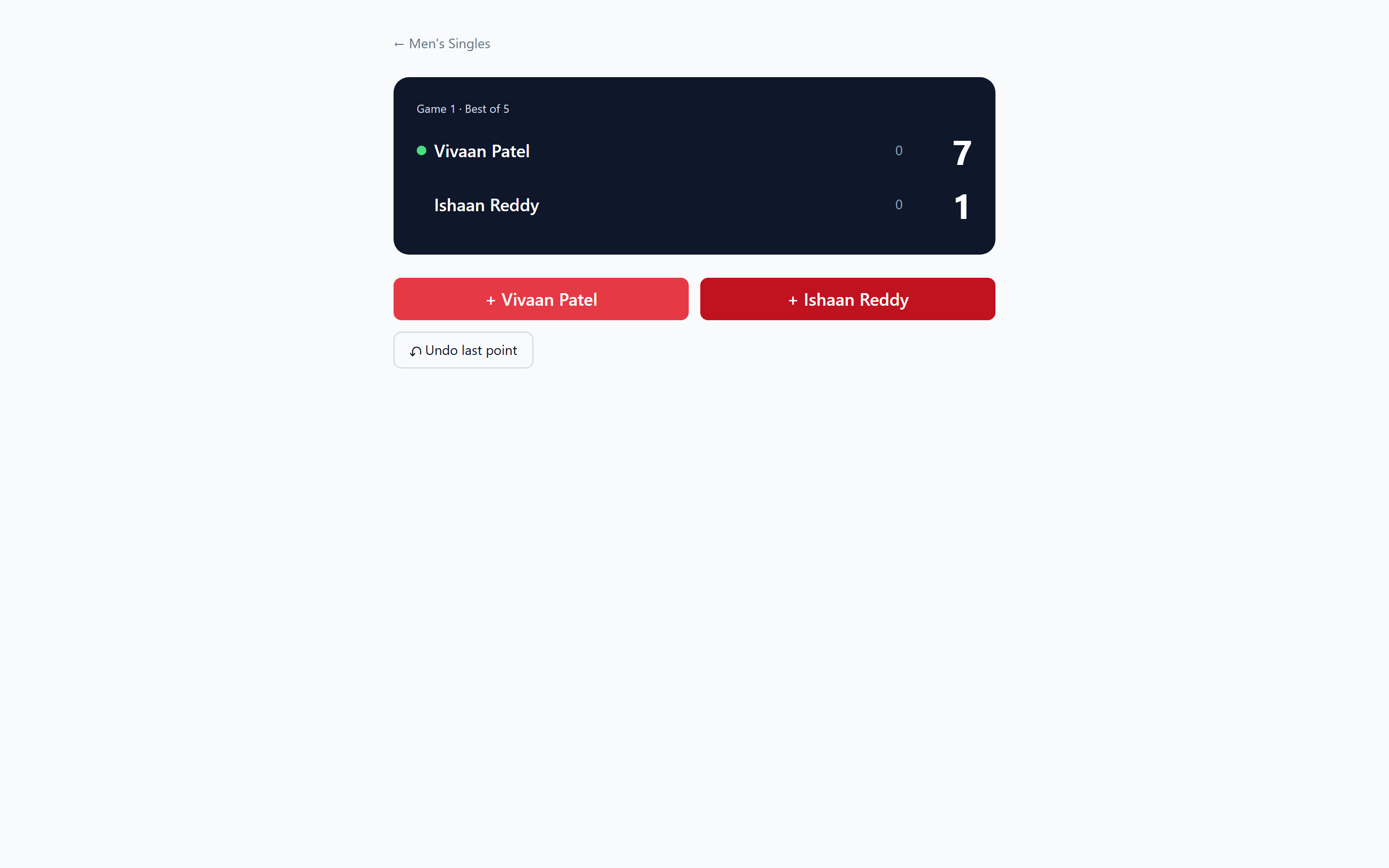
14. Tap the points
Press +Player each rally. The green dot shows the server; serve flips every 2 points (every point at deuce). Undo fixes mistakes.
Ratings that update themselves
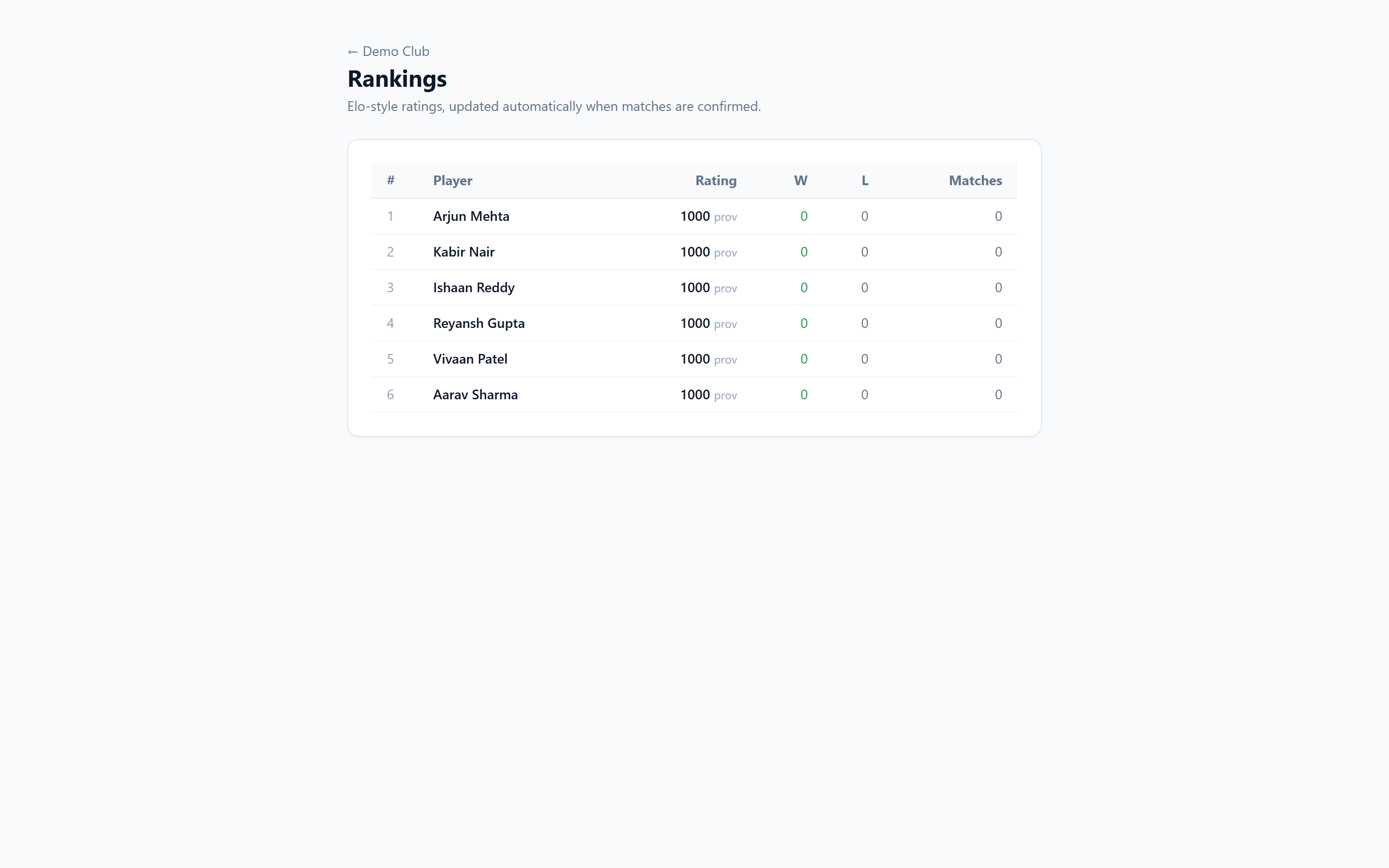
15. The leaderboard
The instant a match is confirmed, both players’ Elo ratings recompute and the leaderboard reorders — no manual maths.
Collect fees online
16. Create an invoice
Raise an invoice in ₹ for membership, coaching or entry fees — optionally tied to a player.
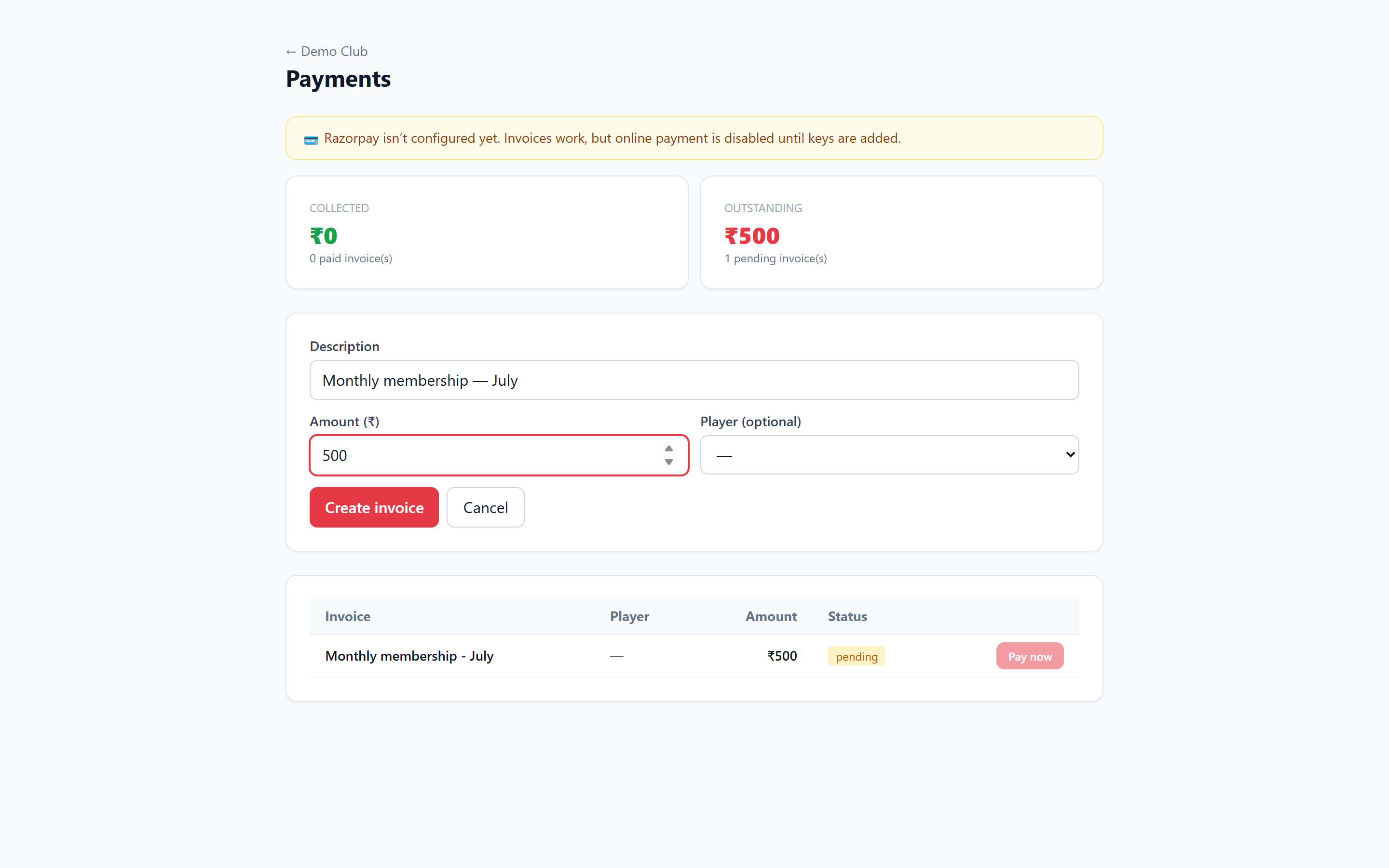
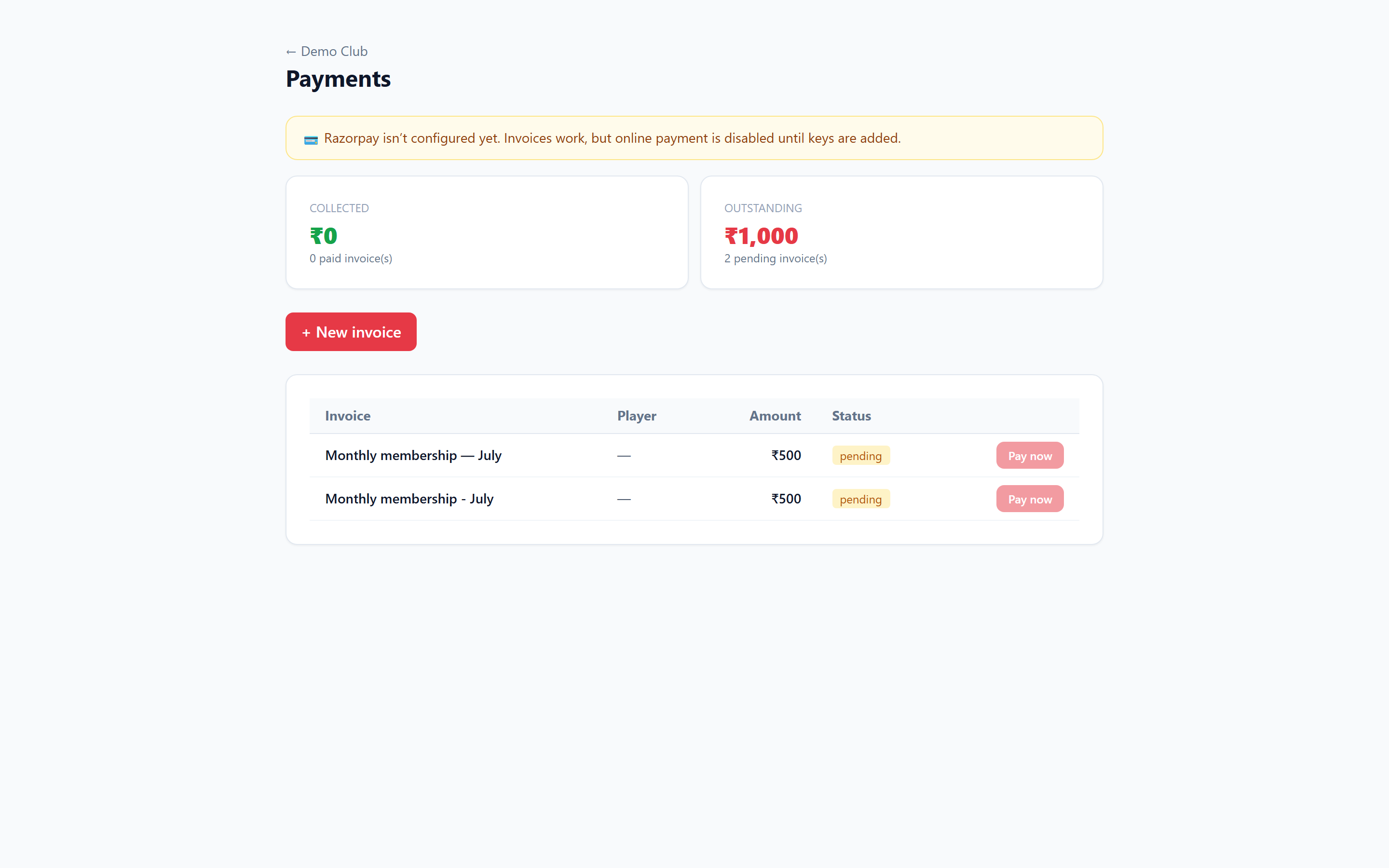
17. Invoices & totals
See collected vs outstanding at a glance. Members pay online via Razorpay (card / UPI / netbanking).
Keep everyone informed
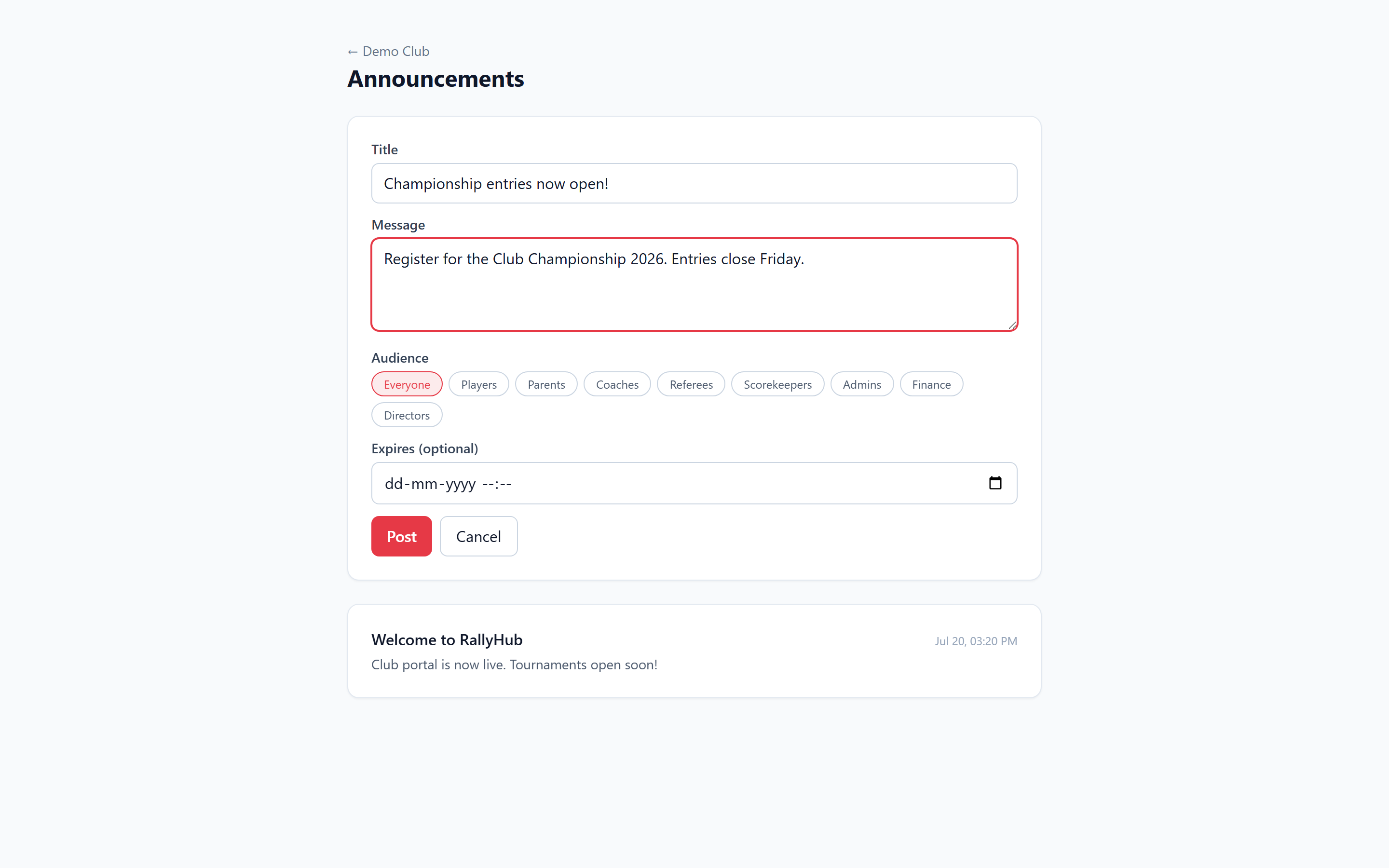
18. Post an announcement
Write news, target everyone or specific roles, set an expiry — targeted members get it in their notification bell.
Ready to try it yourself?
Explore the live demo, or create your own free workspace in under a minute.
demo login: owner@club.demo · password123